Back
June 20, 2024
Analytics & BI Dashboards
Integrating HubSpot and Power BI
Pfactorial
Share

In today's competitive digital world, businesses of all sizes rely on a comprehensive customer relationship management (CRM) platform to connect with customers, nurture leads, and drive growth. HubSpot emerges as the leading CRM platform that seamlessly integrates marketing, sales, customer service, and content management tools to streamline operations and achieve business objectives.
HubSpot is a cloud-based CRM platform that empowers businesses of all sizes to build strong relationships with their customers. It offers a comprehensive suite of tools to automate marketing tasks, manage sales pipelines, provide exceptional customer service, and create engaging content that attracts and delights customers.
HubSpot stands out from other CRM platforms because it offers:
Integration
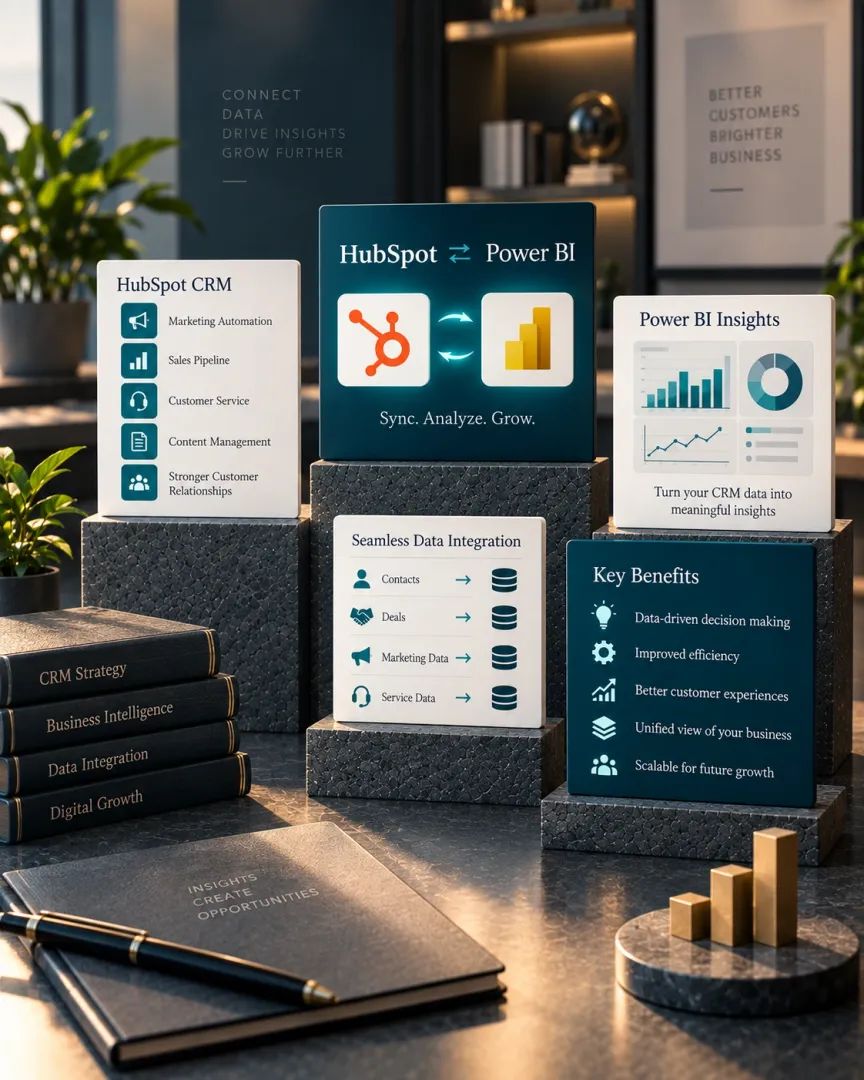
In the modern world, efficiency and data-driven decision-making are paramount. Integrating two powerful tools, HubSpot and Power BI, can significantly enhance your operations. HubSpot, a Customer Relationship Management (CRM) platform, empowers you to manage contacts, deals, and marketing campaigns. Meanwhile, Power BI, a robust business intelligence platform, offers the tools needed to visualise and analyse your data.
Here are some of the benefits of integrating HubSpot and Power BI:
- Improved decision-making: With a unified view of your data, you can make better decisions about your marketing, sales, and customer service strategies.
- Increased efficiency: By automating tasks like data entry and reporting, you can save time and focus on other important tasks.
- Reduced costs: Streamlining your data management and reporting can help to reduce costs.
There are two main ways to integrate HubSpot and Power BI:
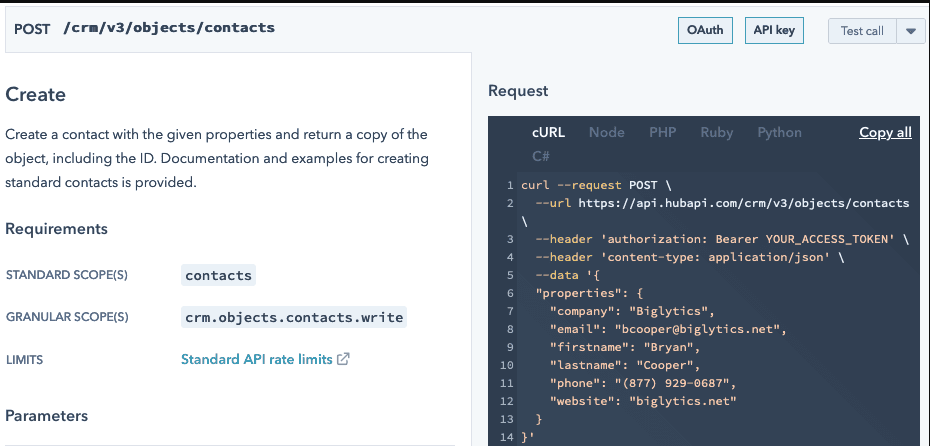
- Python API Integration: This method involves using Python to fetch data from HubSpot and loading it into Power BI through the Power BI API. While it offers flexibility and customization, it does require some coding knowledge.
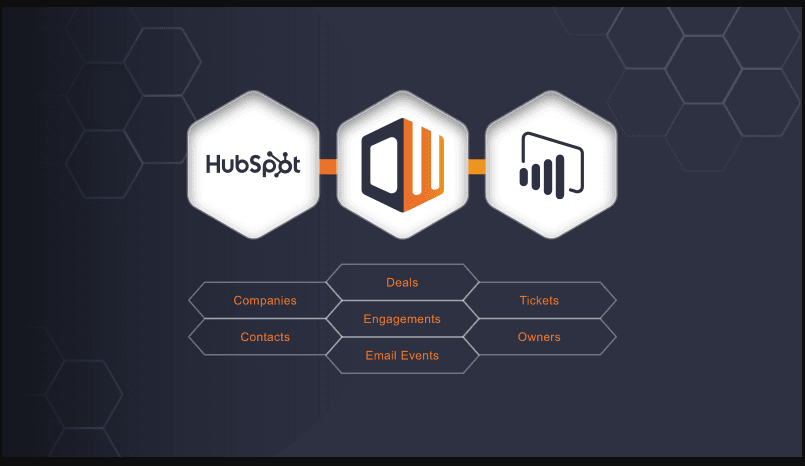
- Power BI Connector: Alternatively, you can employ a third-party application, the HubSpot Power BI Connector. This user-friendly approach requires less coding but is not as customizable as Python API integration.

To establish this integration successfully, you may need to utilise external tools such as External API Calls or an ODBC Connector, or explore applications in the HubSpot Marketplace. While Power BI apps in the marketplace can pull data directly from HubSpot, a workaround is required for integration with Dataverse.

Integration with Power BI Connector: The Marketplace offers an app that can integrate with Power BI and connect to it via an SQL medium. You need to sign up for the HubSpot Power BI Connector, which provides access to a dynamically created SQL server. This server is accessible through the credentials furnished by the connector, allowing you to specify which data tables should link to the Power BI/Dataverse app.
The choice between these integration methods should align with your specific needs:
Integrating HubSpot and Power BI using Python
1. Install necessary python libraries: Use pip to install the essential Python libraries, including the HubSpot API client.
2. Authenticate with HubSpot and Power BI: Authenticate with both platforms using your API keys
3. Retrieve Data from HubSpot: Use the HubSpot API to extract the required data for integration.
4.Load Data into Power BI: Utilise the Power BI API to load the extracted data into the Power BI platform.

The above image is when we connect power bi to Hubspot using Api and the below one is when we show the data preview

5.Create Reports and Dashboards in Power BI: Leverage the integrated data to generate reports and dashboards for data visualization and analysis.
While this is a simplified example, it provides a starting point for creating a Python app to integrate HubSpot and Power BI via API integration. Customization may be necessary to meet your specific requirements.
Why?
Here are a few specific examples of how businesses can use HubSpot and Power BI integration to improve their operations:
Overall, integrating HubSpot and Power BI can provide businesses with a number of benefits, including improved customer experience, increased sales, more efficient marketing, and better decision-making.